

Python is a high-level, general-purpose programming language created by Guido van Rossum. It was first released in 1991. Generally, Linux based distros have pre-installed Python version. This tutorial will help you to find the current version of Python installed on your Linux system using the command line.
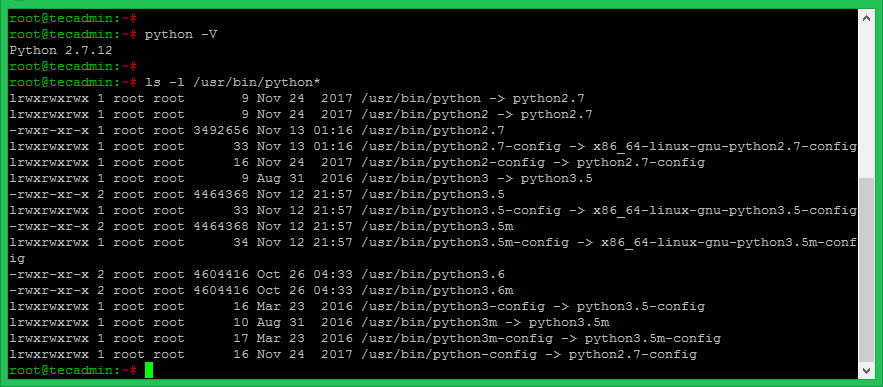
python -V
Output:
Python 2.7.12
The systems have multiple version of Python installed can find like this.
How did it make you feel?




I have a version of Python 2.7.8 and a version of Python 2.7.16. How to identify or differentiate as both are pointing to “python 2.7.5”