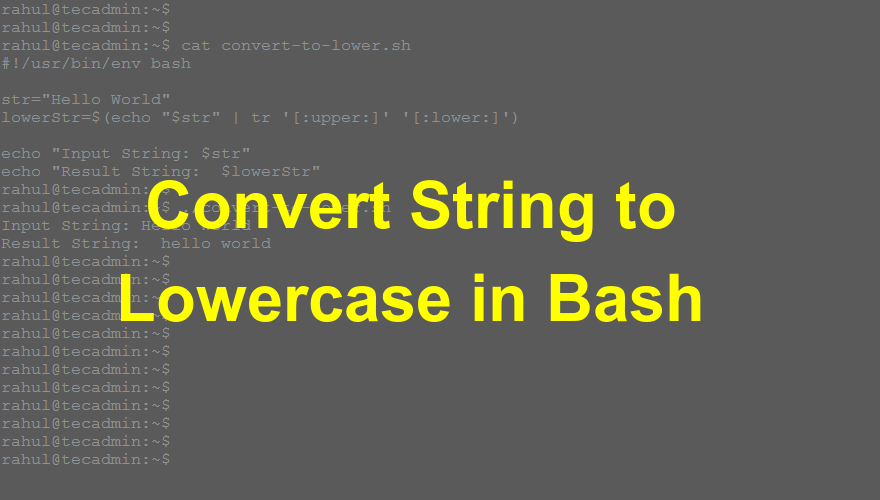
Question: How do I convert all the characters to the lowercase of a string in the bash shell script?
In Linux, the tr command is used to translate, squeeze, and/or delete characters. So with the help of the tr command, you can convert the case of any character. You can do this quickly with a single-line command.
You can use the following command to convert a string to lowercase. Here the command takes the standard input of a string and processes it.
echo "Input string here" | tr '[:upper:]' '[:lower:]'
Let’s discuss with an example.
Example
Let’s create a sample shell script. Initialize a variable with a string having a few uppercase letters. Then convert all the letters to lowercase and store them in another variable.
1 2 3 4 5 6 7 | #!/usr/bin/env bash str="Hello World" lowerStr=$(echo "$str" | tr '[:upper:]' '[:lower:]') echo "Input String: $str" echo "Result String: $lowerStr" |
Run the above script and see the results:
Output:Input String: Hello World Result String: hello world
You can see the result string has all the characters in lowercase.
How did it make you feel?