

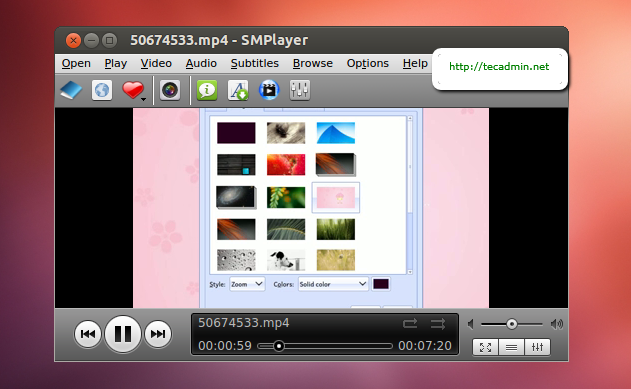
SMPlayer is a free media player for Windows and Linux with built-in codecs, which can also play Youtube videos, search and download subtitles, and includes other features like a thumbnail generator and audio and video filters.
Install SMPlayer on Ubuntu
Use following set of commands to install SMPlayer on your Ubuntu systems.
$ sudo add-apt-repository ppa:rvm/smplayer
$ sudo apt-get update
$ sudo apt-get install smplayer smtube smplayer-themes smplayer-skins
Start SMPlayer
To start SMPlayer use GUI icon or use following command to start it and enjoy audio/videos.
$ smplayer
How did it make you feel?
