

Screen Recorder applications are useful for the persons who create demos, how to tutorials etc. Simple Screen Recorder (SSR) provides us a fast and efficient way to record your system’s screen. Using SSR you can record an entire screen of your system or only selected area in a rectangular format.
SSR Benefits
- SSR is multi-threaded
- SSR is capable for Live streaming of videos
- SSR supports many different types of codecs like MKV, WebM, MP4 etc
- SSR can record on 32-bit OpenGL application within a 64-bit OS
SSR Installation
Using below steps first add the required PPA (ppa:maarten-baert/simplescreenrecorder) to our system. After that update the repository and then install simplescreenrecorder package.
sudo add-apt-repository ppa:maarten-baert/simplescreenrecorder
sudo apt-get update
sudo apt-get install simplescreenrecorder
Record Screen Using SSR
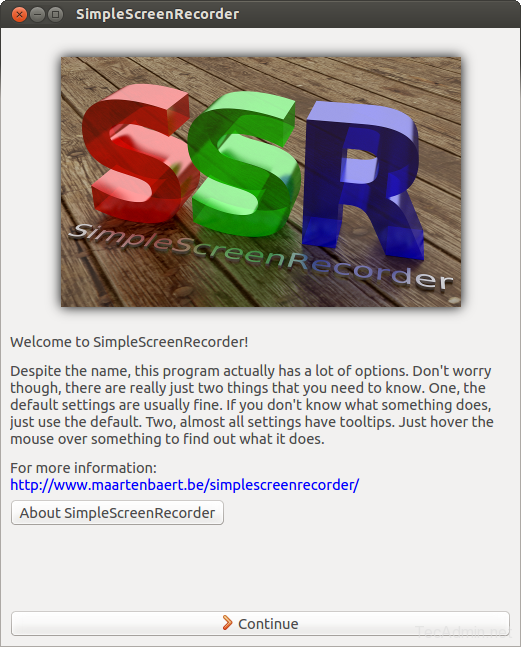
Start Simple Screen Recorder using menus on your system and start recording as per requirement.
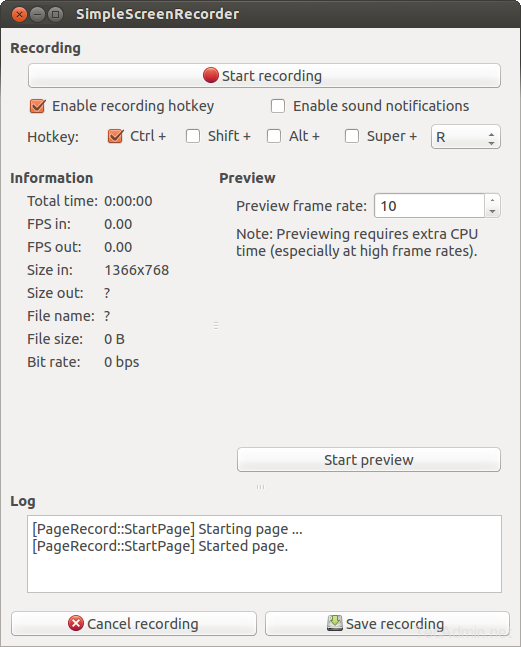
Now just click on start recording.
How did it make you feel?



gave nice commands..other sites’ commands of apt get not worked….good..I installed now..if any good software , other than this let me know…thank you
Thank you Rahul, still working in 2019!
Thank You ! It will help a lot and working excellent. I often fine best solution on this website.
thanks it works fine
Thanks Buddy
Thanks