Author: Rahul

I, Rahul Kumar am the founder and chief editor of TecAdmin.net. I am a Red Hat Certified Engineer (RHCE) and working as an IT professional since 2009..

In the evolving world of operating systems, Ubuntu stands out as a popular, open-source alternative to Windows and macOS. Whether you’re looking to run a dual-boot system, try out Ubuntu without installing it, or need a portable OS, creating a bootable USB drive is an essential first step. This comprehensive tutorial guides you through the process using the Universal USB Installer application in Windows 11/10/8. Universal USB Installer is a user-friendly, lightweight, and versatile tool compatible with a wide range of operating systems. It simplifies the process of creating a bootable USB drive, making it accessible even for users who…

Read More

Alpine Linux is a lightweight Linux distribution. Alpine Linux team has announced the latest release of Alpine 3.6.2 on Jun 17, 2017. This is a bugfix release of the v3.6 musl based branch, based on linux-4.9.32 kernels and it contains bugfixes. Download the latest version of Alpine Linux from below URL. https://alpinelinux.org/downloads/ Create Docker Container Alpine Linux is also available in Docker container from its official team, Run the following command to pull the latest release of Alpine Linux. For more details visit docker hub. $ docker pull alpine If you don’t have Docker installed on Your system, visit our…

Read More

The htop command is like a newer and better version of the top command. It allows us to scroll vertically and horizontally, to view all the processes running on the system. We can the process tree, select, and act on multiple processes at once. Provides an option to directly run strace on any process. The htop command provides more detailed information about your computer’s processes than the original version. The htop command can help you find out which process is using the most CPU, how much memory each process is using, and more. You can also use the htop top…

Read More

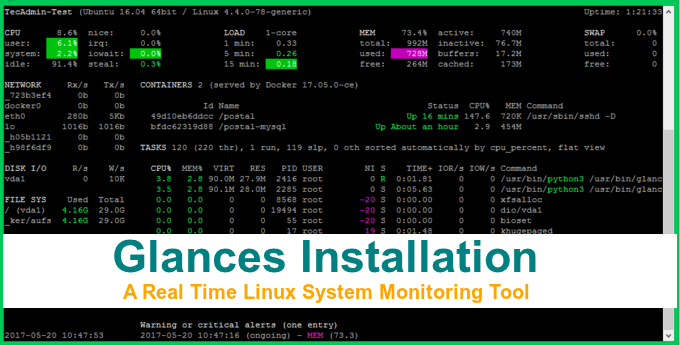
Glances is a cross-platform system monitoring tool written in Python. This is a better alternative to the top and htop monitoring tools. This tool provides most of the information on the single screen. And the best thing is, it’s accessible over the browser. Also, it can be used as client-server architecture where we can watch any server from our system without login to remote server. This Glances installation tutorial will help you to install and use Glances on Linux system. Recommended: Htop – An Interactive Process Viewer for Linux Glances monitoros following things on system. CPU, Memory and LOAD Process…

Read More

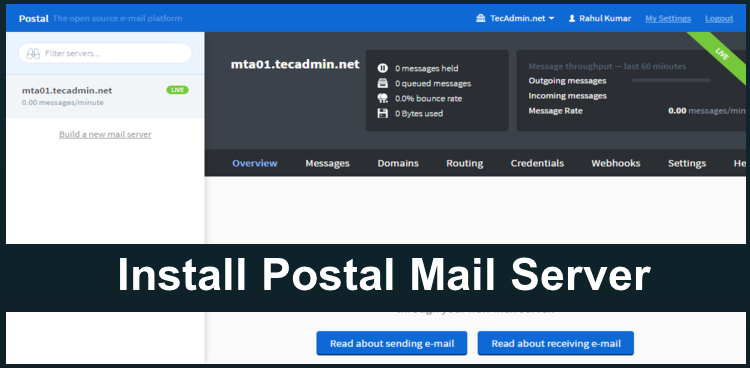
Postal is a complete and fully featured mail server for use by websites & web servers. Postal can be a better alternative of Sendgrid, Mailchimp, Mailgun and other similar SMTP servers. You can easily host Postal mail server on your system and use this as SMTP server for sending application emails, bulk emails, newsletters etc. This tutorial will help you to install Postal Mail server on Ubuntu. You can also try the same Debian and Linux Mint and share your feedback in comments. Prerequisites For installation of Postal mail server on your system, you must have following prerequisites installed on…

Read More

RabbitMQ is the most popular open source message broker. RabbitMQ is a lightweight application available for most of the popular operating systems. RabbitMQ supports multiple messaging protocols. RabbitMQ can be easily deployed in a distributed and federated configurations to meet high-scale, high-availability requirements. This tutorial will help you to install RabbitMQ on CentOS/RHEL 7/6 and Fedora systems. Step 1 – Install Erlang First, use the following commands to add Erlang yum repository on RHEL based system. You can simply download Erlang repository package from its official website and install on your system. $ wget https://packages.erlang-solutions.com/erlang-solutions-1.0-1.noarch.rpm $ sudo rpm -Uvh erlang-solutions-1.0-1.noarch.rpm…

Read More

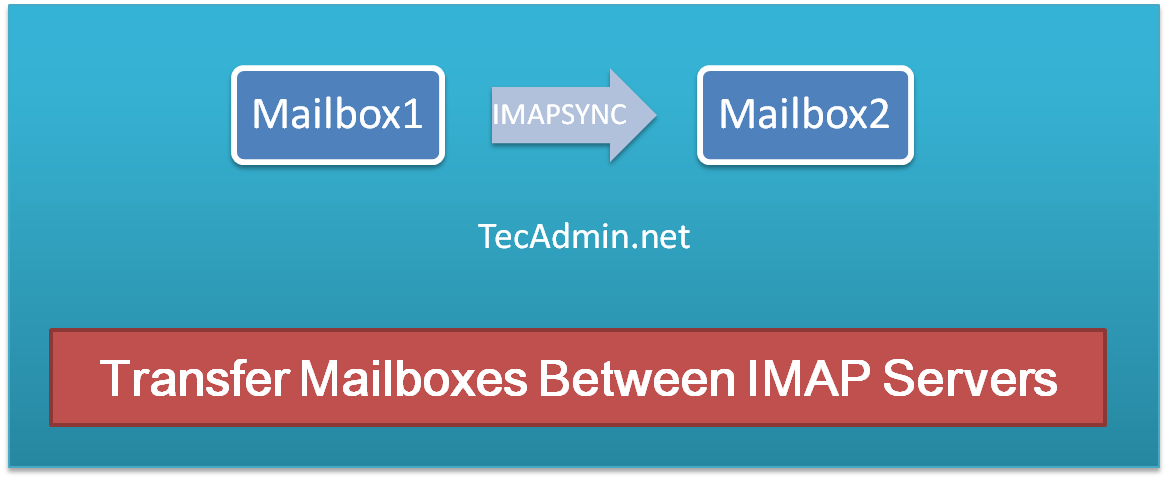
What is Imapsync? Imapsync is an IMAP transfer tool used for transferring mailboxes and emails from one IMAP server to another IMAP server. Imapsync application is a command line tool that allows incremental and recursive IMAP transfers from one mailbox to another, both anywhere on the internet or in your local area network. Installation of Imapsync Imapsync tools is vailable for various plateform. Use one the the following tutorial as per your operating system. Install and Use Imapsync on Ubuntu & Debian ‎ Install and Use Imapsync on CentOS & Fedora ‎ For installation on other platforms visit here. Transfer…

Read More

Imapsync is a powerful tool that allows for the migration of email messages between two IMAP servers with high fidelity, preserving folder structure, message flags, and timestamps. This utility is invaluable for administrators and users undergoing email migrations due to server changes or when consolidating email accounts. This article guides you through installing and using Imapsync on Ubuntu and Debian systems. Prerequisites Two IMAP servers (source and destination) with active email accounts. A machine running Ubuntu or Debian. Command-line/terminal access. Sudo privileges or root access. Step 1: Prepare Your System Imapsync is not available in the default Ubuntu or Debian…

Read More

Erlang is a programming language used to build massively scalable soft real-time systems with requirements on high availability. Erlang runtime system has built-in support for concurrency, distribution and fault tolerance. This tutorial will help you to install erlang on CentOS/RHEL 7/6 operating system. How to Install Erlang on Ubuntu Step 1 – Setup Yum Repository First of all, use the following commands to add Erlang apt repository on RHEL based system. You can simply download erlang repository package from its official website and install on your system. sudo yum install epel-release wget https://packages.erlang-solutions.com/erlang-solutions-1.0-1.noarch.rpm sudo rpm -Uvh erlang-solutions-1.0-1.noarch.rpm Step 2 -…

Read More

In today’s data-driven world, efficient database management is a cornerstone of smooth and effective operations for any business relying on SQL Server. One of the critical aspects of managing a SQL Server database is the ability to identify and analyze currently running queries. This capability is crucial for troubleshooting performance issues, optimizing resources, and ensuring the database operates at peak efficiency. This article explores various techniques to discover running queries in SQL Server, offering insights and steps to database administrators and developers alike. Understanding the Importance Before diving into the techniques, it’s essential to understand why identifying running queries is…

Read More