

There are hundreds of Linux distributions, but only a handful are polished, well maintained and easy enough to recommend for everyday desktop use. We picked the ten best Linux desktop distributions for 2026 based on stability, hardware support, how easy they are to install and maintain, the size of their community, and how long each release is supported. For every pick you’ll find the current version, who it suits best, and what to watch out for.
- 10 Best Linux Server Distributions in 2026
- 5 Most Stable Linux Distributions
- 5 Best Linux Distributions that Look Like macOS
- 5 Best Linux Distributions to Replace Windows
Our top picks
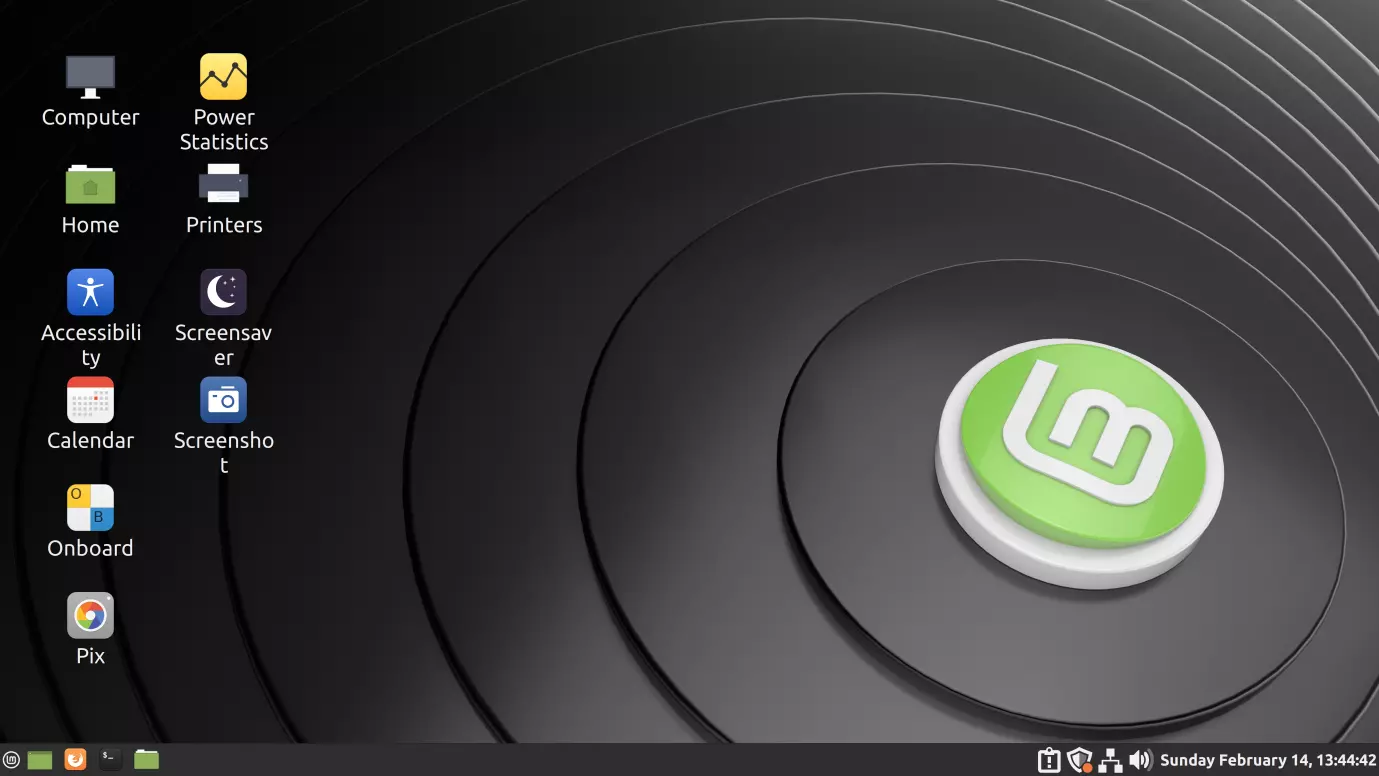 Best overall#1 Linux MintFamiliar, polished and supported until April 2029See the review →
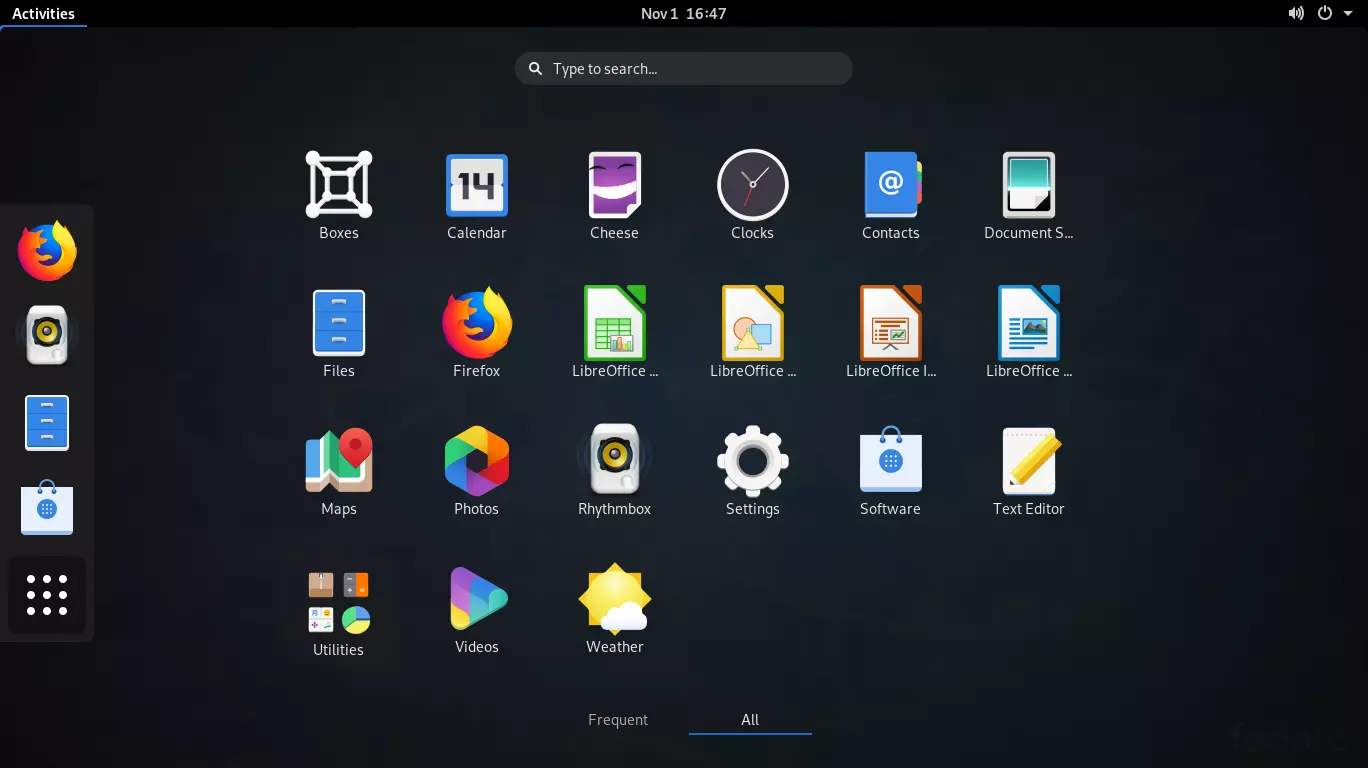 Best for developers#3 Fedora WorkstationCurrent GNOME, kernels and toolchains every six monthsSee the review →
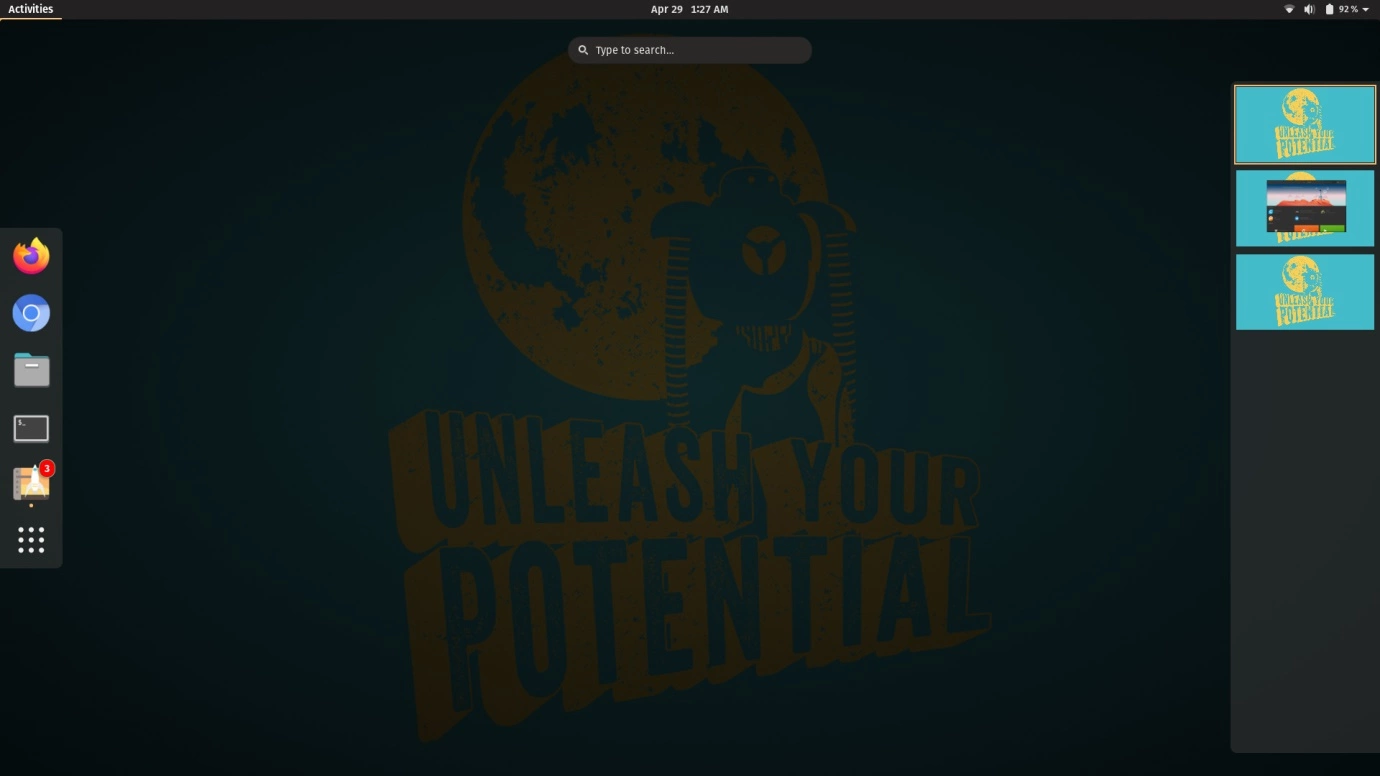 Best for NVIDIA & gaming#4 Pop!_OSNVIDIA drivers preinstalled and the new COSMIC desktopSee the review →
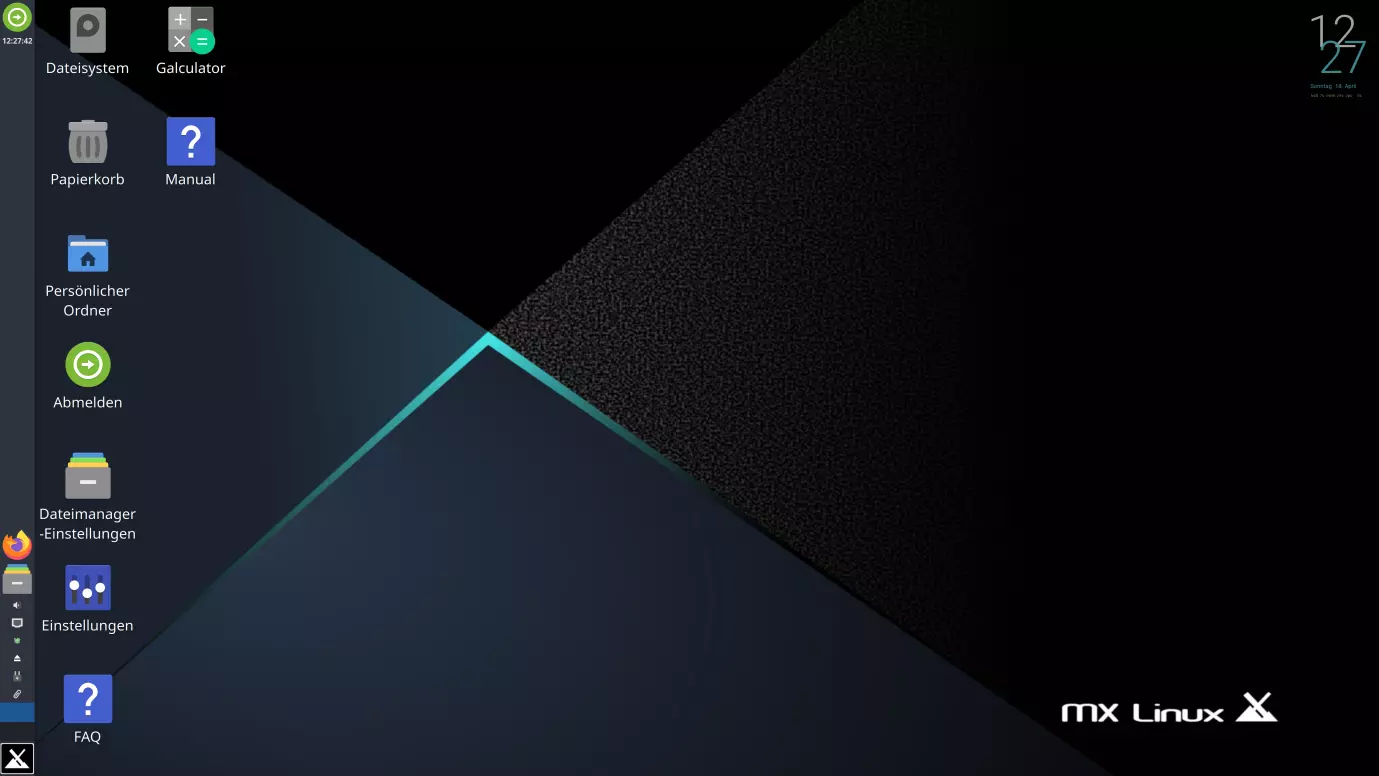 Best for older PCs#5 MX LinuxA light Debian-based Xfce desktop with handy MX ToolsSee the review →
Quick Comparison
| Distribution | Current release | Based on | Default desktop | Best for |
|---|---|---|---|---|
| Linux Mint | 22.3 “Zena” | Ubuntu 24.04 LTS | Cinnamon | Windows switchers, beginners |
| Ubuntu | 26.04 LTS | Debian | GNOME | Most users, developers |
| Fedora Workstation | 45 | Independent | GNOME | Developers who want new software |
| Pop!_OS | 24.04 LTS | Ubuntu 24.04 LTS | COSMIC | Developers, NVIDIA laptops, tiling |
| MX Linux | 25.3 | Debian 13 | Xfce | Older or modest hardware |
| Debian | 13 “Trixie” | Independent | GNOME (choice at install) | Stability above everything |
| Manjaro | Rolling | Arch Linux | KDE Plasma, GNOME, Xfce | Arch benefits with less effort |
| elementary OS | 8.1.1 | Ubuntu 24.04 LTS | Pantheon | A clean, macOS-like experience |
| EndeavourOS | Rolling | Arch Linux | KDE Plasma | Experienced users who want Arch |
| openSUSE | Tumbleweed / Leap 16.1 | Independent | KDE Plasma or GNOME | Power users who value snapshots |
1Linux Mint
Linux Mint is still the easiest recommendation for people coming from Windows. Its Cinnamon desktop has a familiar taskbar and start menu, and everything works without tweaking: codecs, drivers, printers and Flatpak apps. The current release is Linux Mint 22.3 “Zena” (January 2026), built on Ubuntu 24.04 LTS and supported until April 2029.
Why choose it
a calm, predictable desktop, built-in Timeshift snapshots, a friendly Update Manager, and Cinnamon, MATE and Xfce editions for different hardware.
Keep in mind
Mint follows Ubuntu LTS, so its core software is not the newest. The next major release, based on Ubuntu 26.04 LTS, is expected around the end of 2026.
2Ubuntu
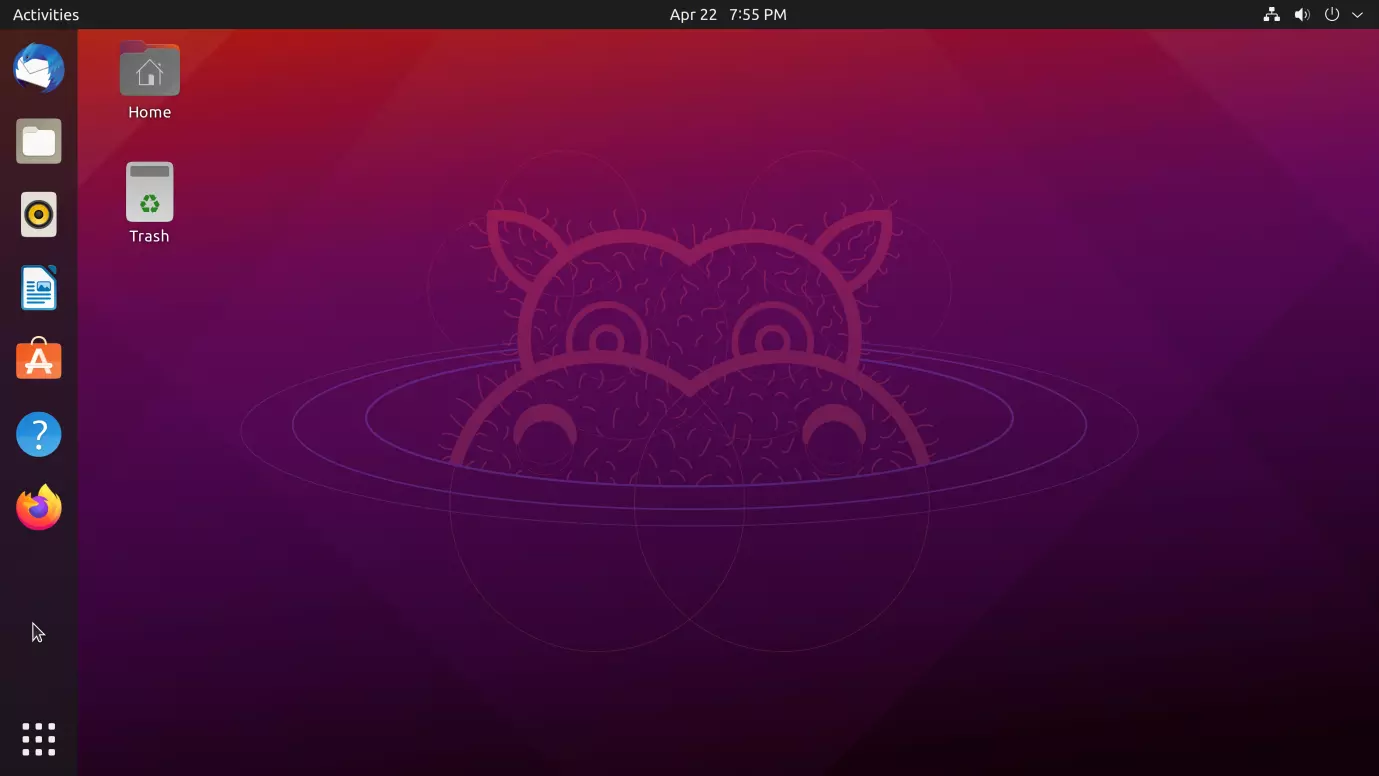
Ubuntu is the most widely used desktop Linux distribution, and most Linux software and tutorials target it first. Ubuntu 26.04 LTS “Resolute Raccoon” (April 2026) gets five years of standard updates, and Ubuntu Pro extends security coverage further. Users who want newer components can run the interim release, Ubuntu 26.10 (October 2026), which ships GNOME 51 and is supported for nine months.
Why choose it
the largest community, excellent hardware and vendor support, and long-term support releases.
Keep in mind
some desktop apps are delivered as Snap packages by default, which not everyone likes. Already on 24.04? Follow our guide to upgrade Ubuntu 24.04 to 26.04 LTS.
3Fedora Workstation
Fedora Workstation offers a clean, unmodified GNOME desktop with very current software, while staying stable enough for daily work. Fedora 45 ships GNOME 51 and Linux kernel 7.2, and the KDE Plasma edition comes with Plasma 6.8. A new Fedora version arrives roughly every six months, and each is supported for about 13 months. See what’s new in Fedora 45 and how to upgrade.
Why choose it
new kernels and toolchains, strong Wayland and security defaults, and close ties to Red Hat Enterprise Linux.
Keep in mind
you need to upgrade about once a year, and some multimedia codecs require enabling extra repositories.
4Pop!_OS
Pop!_OS, made by hardware maker System76, is aimed at developers and creators. Pop!_OS 24.04 LTS (December 2025) introduced COSMIC, a new desktop environment written in Rust, with built-in window tiling, workspaces and extensive keyboard shortcuts. A separate ISO with NVIDIA drivers preinstalled makes it a good fit for gaming and GPU work.
Why choose it
excellent out-of-the-box NVIDIA support, a productive tiling workflow, and an Ubuntu LTS base.
Keep in mind
COSMIC is still young, so some features and third-party integrations are less mature than in GNOME or KDE Plasma.
5MX Linux
MX Linux is a fast, mid-weight distribution built on Debian stable. Its MX Tools collection makes common jobs easy: creating a bootable USB, installing drivers, managing boot options and snapshotting your own installation into a live ISO. MX Linux 25.3 (September 2026) is based on Debian 13 and comes in Xfce, KDE Plasma and Fluxbox editions.
Why choose it
very light on resources, rock-solid Debian base, and useful graphical tools.
Keep in mind
the default Xfce look is functional rather than modern, and the community is smaller than Ubuntu’s or Mint’s.
6Debian
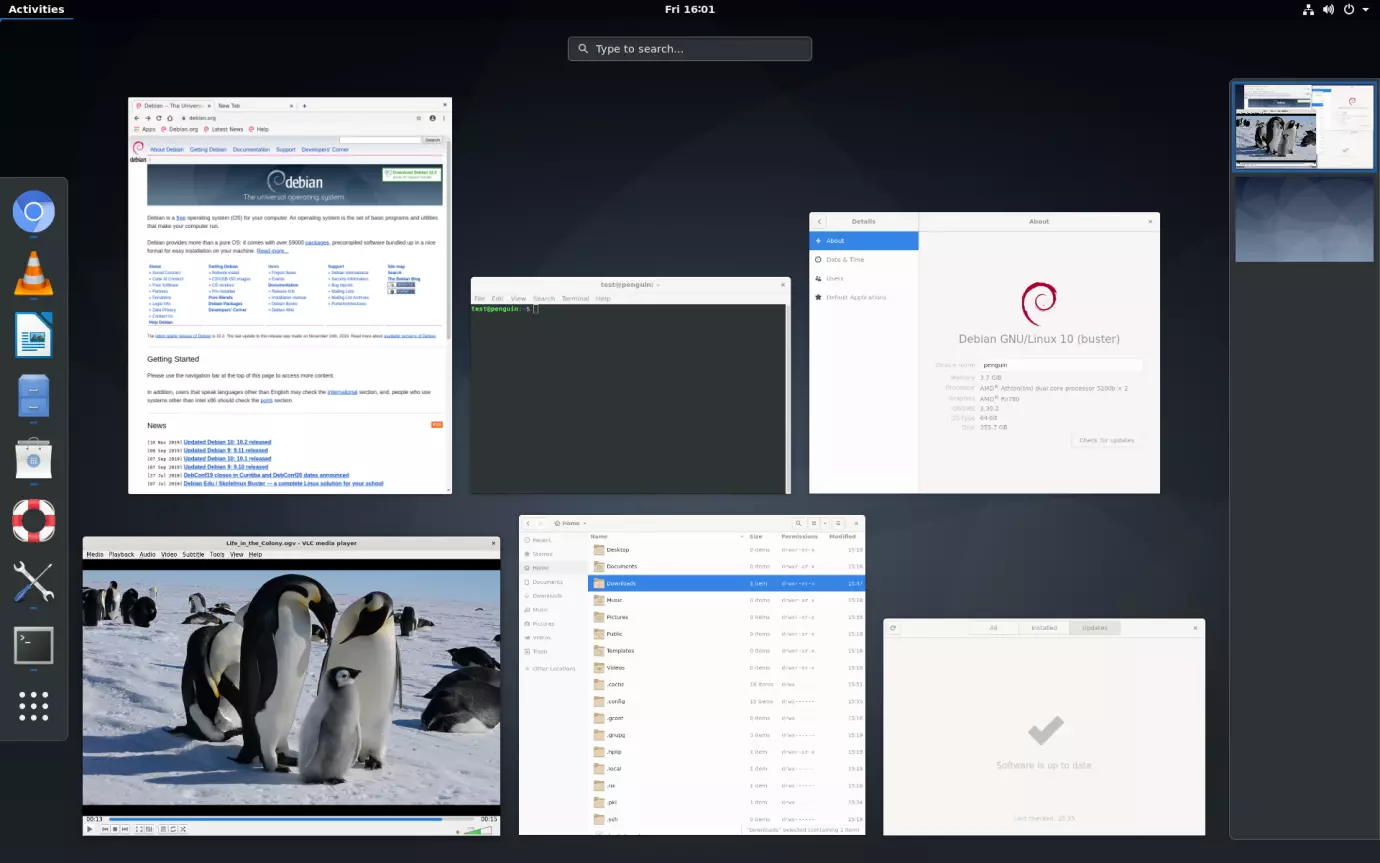
Debian is the foundation that Ubuntu, Mint, MX Linux and many others build on. Debian 13 “Trixie” (August 2025) is the current stable release, with about five years of security support when Debian LTS is included. The installer lets you choose GNOME, KDE Plasma, Xfce, Cinnamon and other desktops. Read what’s new in Debian 13.
Why choose it
legendary stability, a huge package archive, and no commercial influence.
Keep in mind
software versions stay fixed for the life of the release, and the installer asks more questions than Mint’s or Ubuntu’s.
7Manjaro
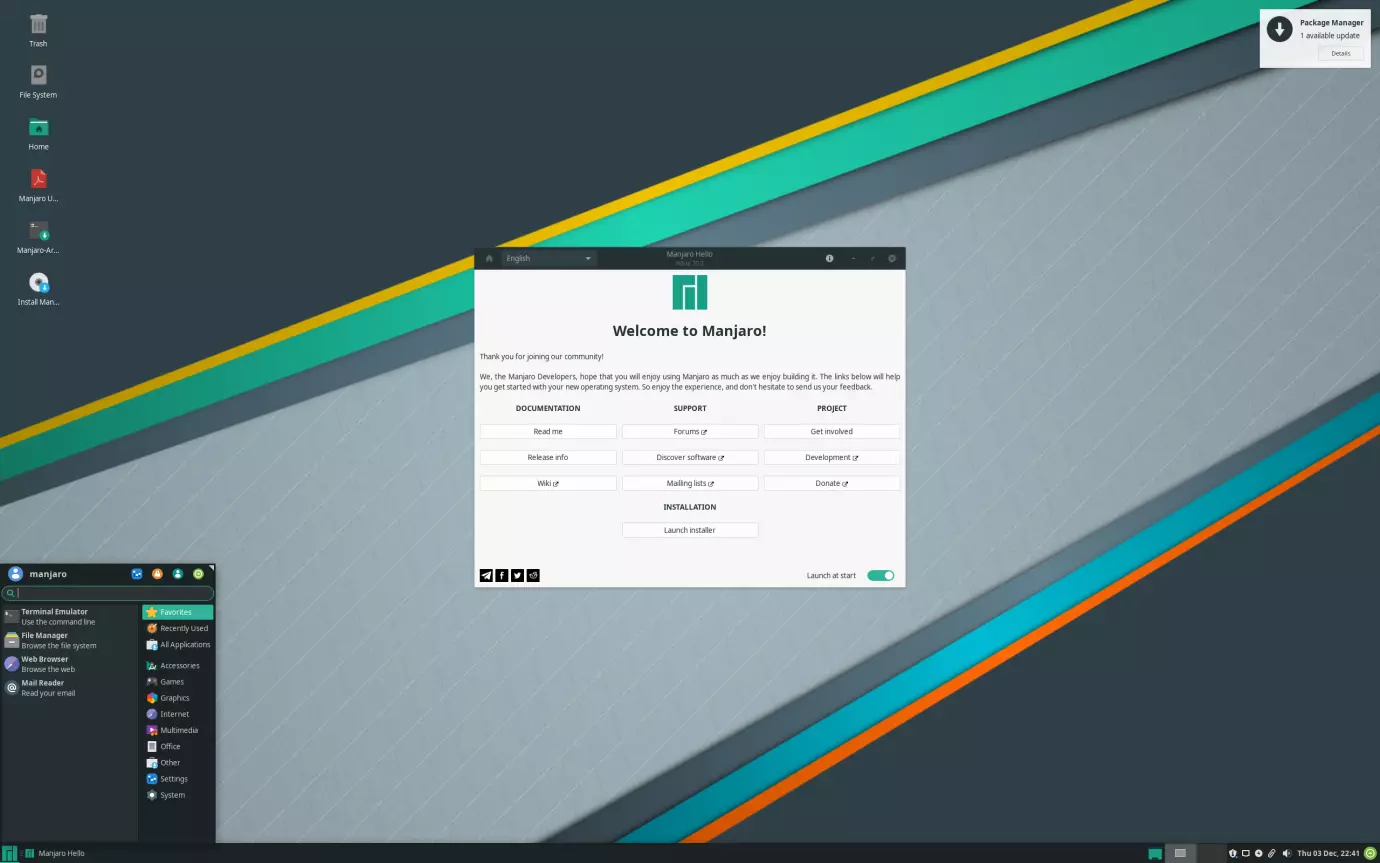
Manjaro brings the benefits of Arch Linux, rolling updates and the huge Arch User Repository (AUR), to users who don’t want to build their system by hand. It holds packages back for extra testing before releasing them, and its Pamac software manager handles repository packages, AUR packages and Flatpaks in one place. Official editions ship KDE Plasma, GNOME and Xfce.
Why choose it
current software without reinstalling, a graphical installer, and easy kernel switching.
Keep in mind
mixing AUR packages with Manjaro’s delayed repositories can occasionally cause breakage, so read the update announcements.
8elementary OS
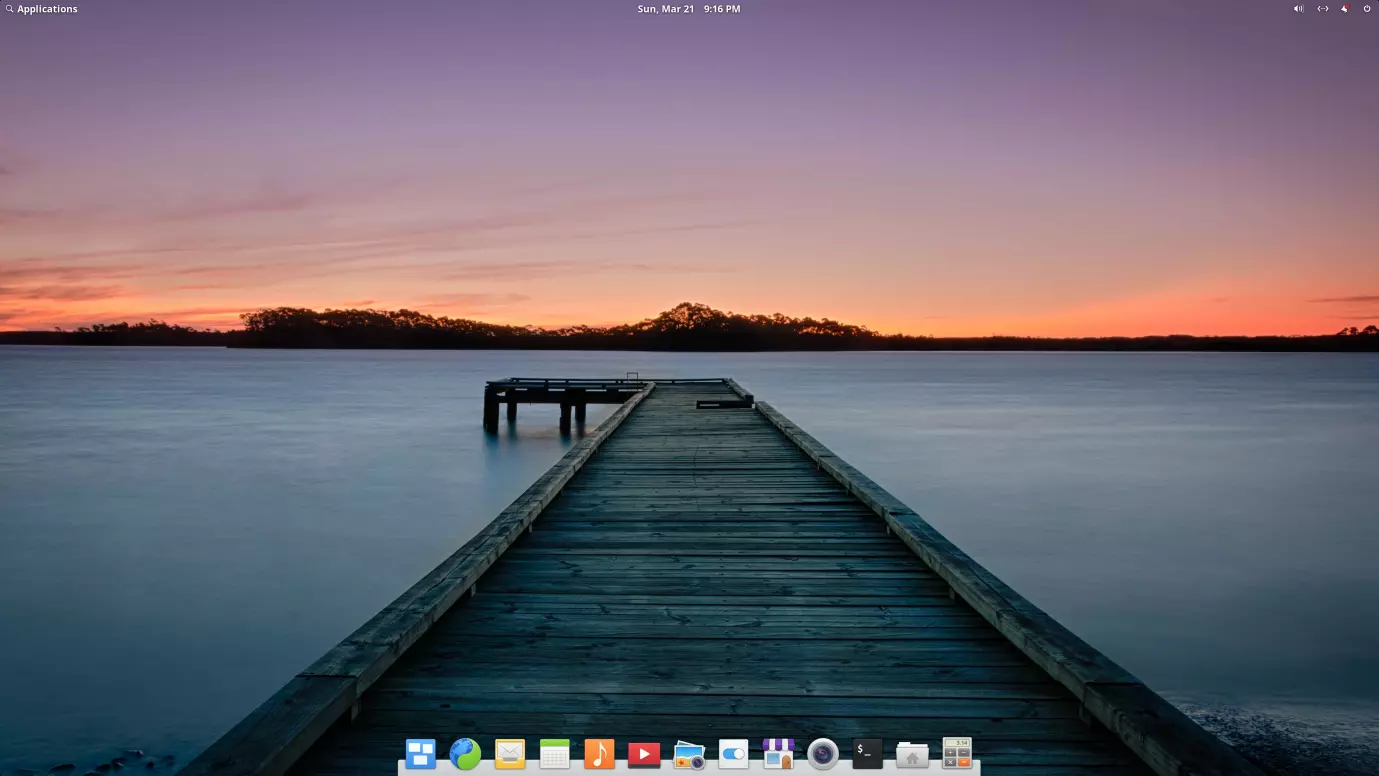
elementary OS focuses on design and simplicity. Its Pantheon desktop has a dock and a top panel, and feels familiar to macOS users. elementary OS 8.1.1 (February 2026) is built on Ubuntu 24.04 LTS, and its AppCenter offers curated, pay-what-you-want apps alongside Flatpaks from Flathub.
Why choose it
a consistent, distraction-free desktop with strong privacy defaults.
Keep in mind
fewer customization options than KDE Plasma or Cinnamon, and a smaller app selection in AppCenter.
9EndeavourOS
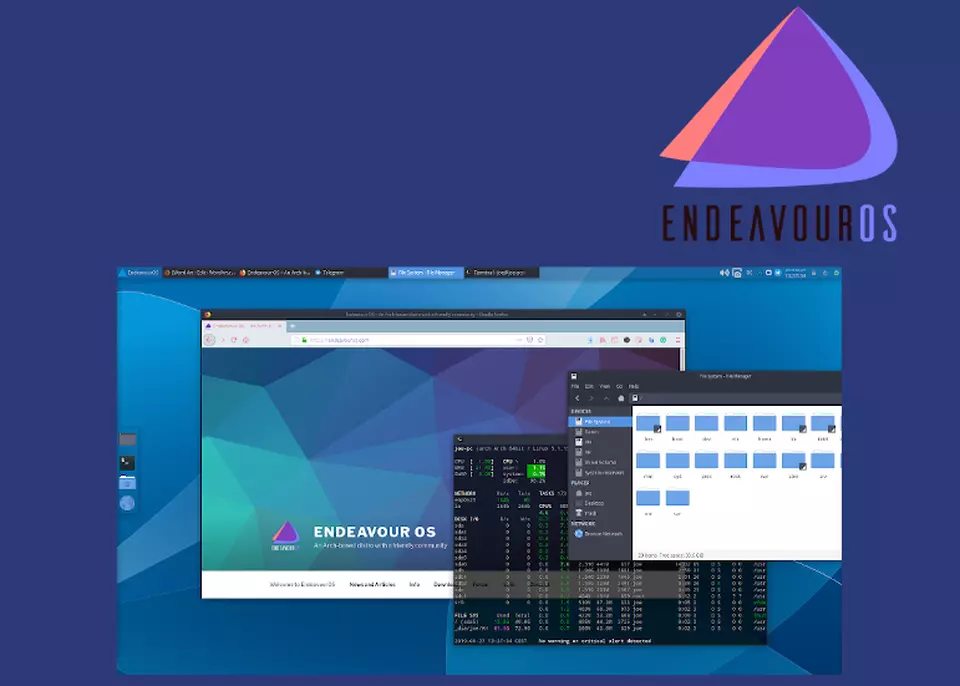
EndeavourOS is the closest you can get to plain Arch Linux with a friendly graphical installer. It uses Arch’s own repositories directly, so packages arrive as soon as Arch publishes them, and it ships KDE Plasma by default with other desktops available at install time. A welcoming forum community helps new Arch users.
Why choose it
the latest software, the Arch Wiki and AUR, with a quick setup.
Keep in mind
it expects you to be comfortable with the terminal and to keep up with rolling updates.
10openSUSE
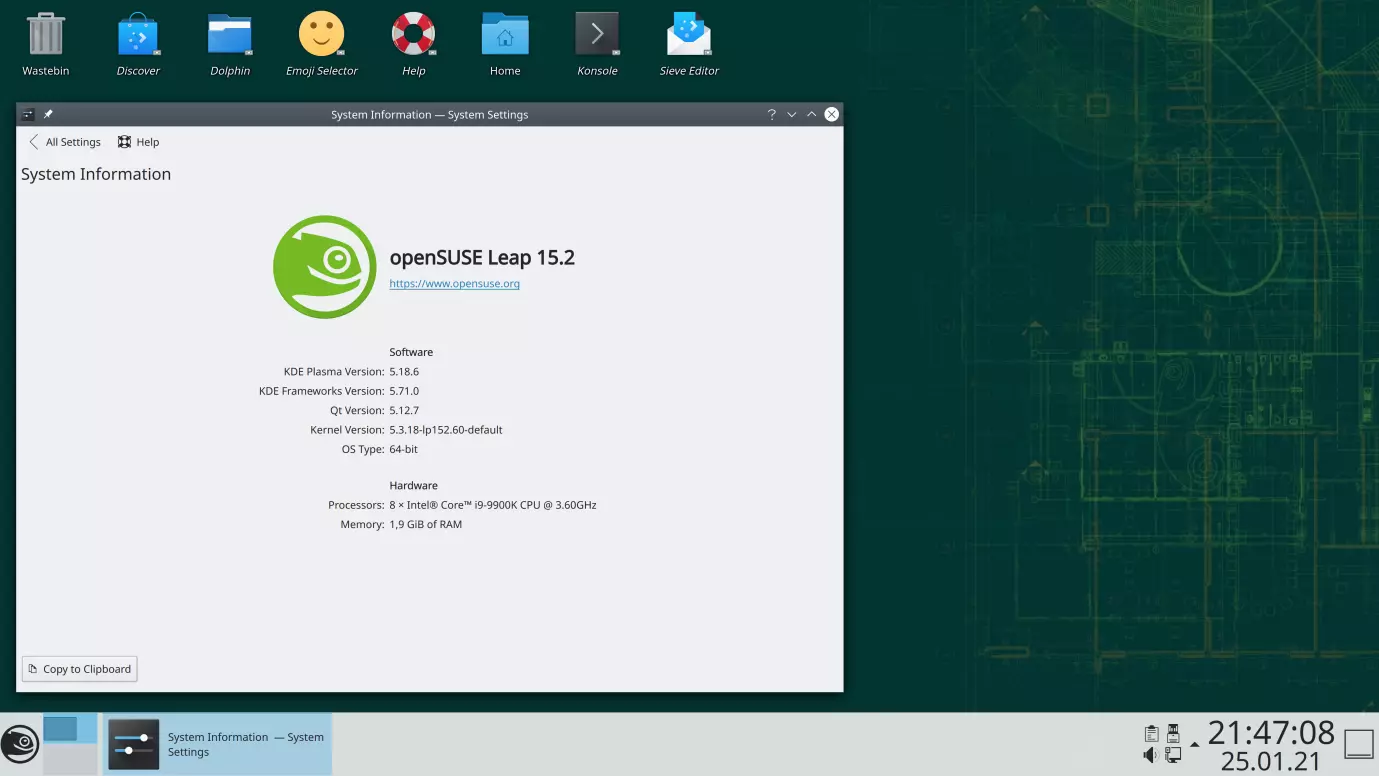
openSUSE comes in two flavours. Tumbleweed is a rolling release that is tested automatically before every snapshot, and Leap 16.1 (November 2026) is a fixed release that shares its core with SUSE Linux Enterprise. Both use the Btrfs file system with automatic snapshots, so a bad update can be rolled back from the boot menu.
Why choose it
reliable rolling updates in Tumbleweed, enterprise roots in Leap, and excellent KDE Plasma integration.
Keep in mind
it has a smaller community than Ubuntu or Fedora, and some third-party apps don’t publish openSUSE packages.
How to Choose the Right Linux Desktop
- Coming from Windows: Linux Mint, or Ubuntu if you want the largest support community.
- Older or low-power PC: MX Linux or Linux Mint Xfce.
- Developer workstation: Fedora Workstation, Ubuntu or Pop!_OS.
- Gaming with an NVIDIA card: Pop!_OS, or any distribution with a recent kernel and drivers.
- Latest software all the time: openSUSE Tumbleweed, EndeavourOS or Manjaro.
- Maximum stability: Debian or an Ubuntu LTS release.
Every distribution in this list can run from a live USB without installing, so you can test hardware support and the desktop before you commit.
Conclusion
For most people, Linux Mint and Ubuntu remain the safest starting points in 2026. Fedora suits developers who want current tools, Pop!_OS brings the new COSMIC desktop and great NVIDIA support, and Debian and MX Linux are hard to beat for stability. If you prefer rolling releases, openSUSE Tumbleweed, EndeavourOS and Manjaro keep your system current without reinstalling.
How did it make you feel?

Faltó Mageia 8, es muy estable y con software actualizado.