MacOSHow to Install PIP on macOS: A Comprehensive GuideBy RahulDecember 5, 2023Welcome to our comprehensive guide on installing PIP, the Python Package Installer, on macOS. PIP is an essential tool for…
MacOSHow to Enable Bash Completion on macOSBy RahulJuly 18, 2023Bash completion is a useful functionality that allows you to auto-complete commands, filenames, and arguments within a bash shell. This…
MacOSHow to Switch Between Zsh and Bash Shells on macOSBy RahulApril 23, 2023The latest macOS systems comes with Z Shell (Zsh) as default shell, but who still preferred to use bash can…
MacOSHow to Set Up Apache, MySQL, and PHP on macOSBy RahulApril 21, 2023Setting up a local development environment is important for web developers. It lets them build, test, and experiment with web…
MacOSHow To Install PostgreSQL on MacOSBy RahulOctober 24, 2022PostgreSQL is an open-source database management system (DBMS) that is widely used for its reliability, performance, and scalability. It is…
MacOSHow to Change Terminal Font Size in macOSBy RahulSeptember 17, 2022A terminal is the command line interface (CLI) for the macOS. That takes only commands as input and is sent…
MacOSHow to Install LibreOffice on macOSBy RahulSeptember 16, 2022If you use macOS, you probably use Apple-built apps like Pages, Numbers, and Keynote for word processing, spreadsheets, and presentations.…
MacOSHow to Set JAVA_HOME environment variable on macOSBy RahulSeptember 13, 2022This tutorial will help you to set the JAVA_HOME environment variable on the latest older macOS operating systems. The /usr/libexec/java_home…
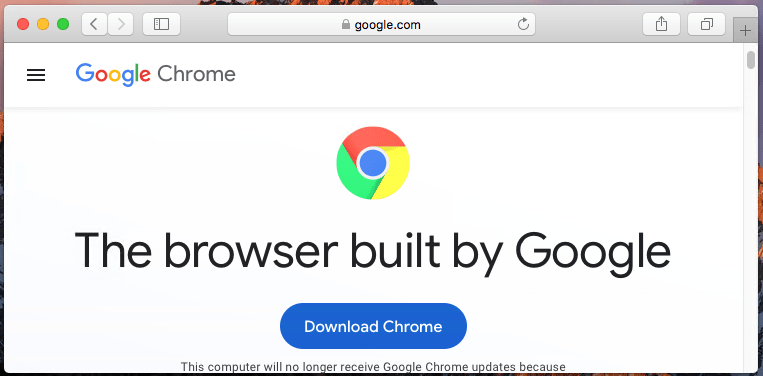
MacOSHow To Install Google Chrome On macOSBy RahulAugust 10, 2022Google Chrome is one of the most popular web browsers with over 1 billion users worldwide. It can be used…
MacOSHow to Create React.js Application on macOSBy RahulAugust 4, 2022Have you heard about the new and trending JavaScript library called React.js? It’s so cool that it has been extensively…