

Running a job every 5 minutes is a commonly used cron schedule. In this quick how-to article, you will learn to schedule a cronjob to run every 5 minutes.
Syntax:
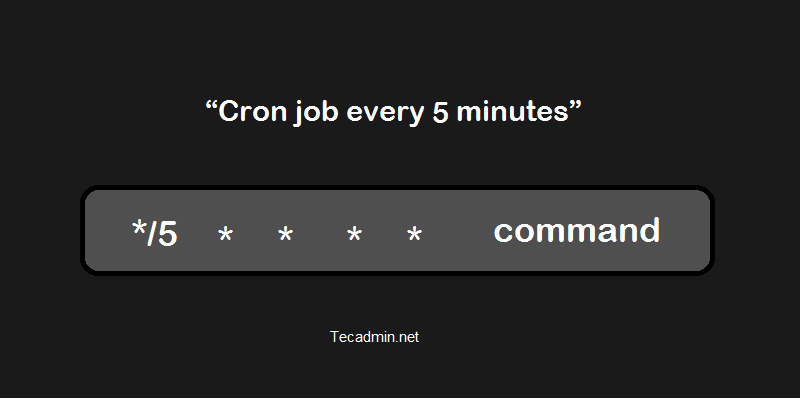
Use the following syntax to schedule a command or script to run every 5 minutes using crontab.
1 | */5 * * * * command |
Example
To schedule a PHP script to run every 5 minutes. Run the command crontab -e to edit crontab in an editor and schedule your job. You can use crontab -e command to edit the crontab editor:
1 | */5 * * * * /usr/bin/php -f /var/www/html/cron.php |
The cronjob will run the above command at 5-minute intervals.
How did it make you feel?
