

OpenOffice is a free, cross-platform, and open-source office suite made by the Apache Foundation. It includes tools like word processing, spreadsheets, presentations, graphics, and databases.
OpenOffice works on Windows, Debian, and Redhat-based Linux, and OS X systems. This guide will show you how to install OpenOffice on Ubuntu 22.04 Linux.
System Requirements
Here are the basic requirements to install OpenOffice on a Linux system:
- Linux kernel version 2.6 or higher
- glibc2 version 2.5 or higher
- At least 256 MB of free RAM (512 MB recommended)
- 400 MB of disk space
- X-Server with 1024 x 768 pixel or higher resolution
Step 1: Install JAVA
Apache OpenOffice needs Java Runtime Environment (JRE) version 1.5.x or higher, but it’s better to have Java 8 or newer.
To install OpenJDK 11 on your system, use these commands:
sudo apt updatesudo apt install default-jdk
Check the Java version installed:
java -version

openjdk version "11.0.15" 2022-04-19
OpenJDK Runtime Environment (build 11.0.15+10-Ubuntu-0ubuntu0.22.04.1)
OpenJDK 64-Bit Server VM (build 11.0.15+10-Ubuntu-0ubuntu0.22.04.1, mixed mode, sharing)
Step 2: Removing LibreOffice or Other Office Suites
Before installing OpenOffice, you need to remove other office suites:
sudo apt remove libreoffice-*sudo apt auto-remove
Step 3: Installing OpenOffice on Ubuntu 22.04
- Visit the official Openoffice download page:
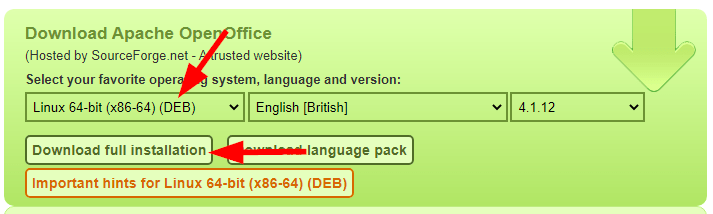
- Check the downloaded file
- Extract Packages
tar xzf Apache_OpenOffice_4.1.12_Linux_x86-64_install-deb_en-GB.tar.gz - Install the packages
cd en-US/DEBSsudo dpkg -i *.deb - Install desktop integration tools and launcher icons
cd desktop-integrationsudo dpkg -i *.deb
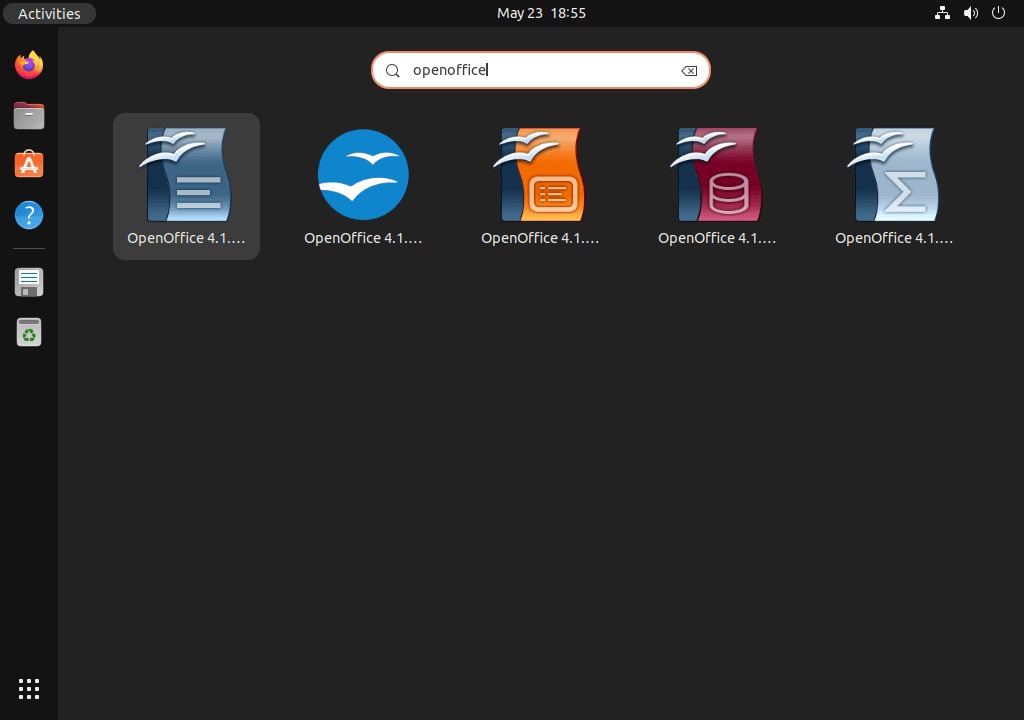
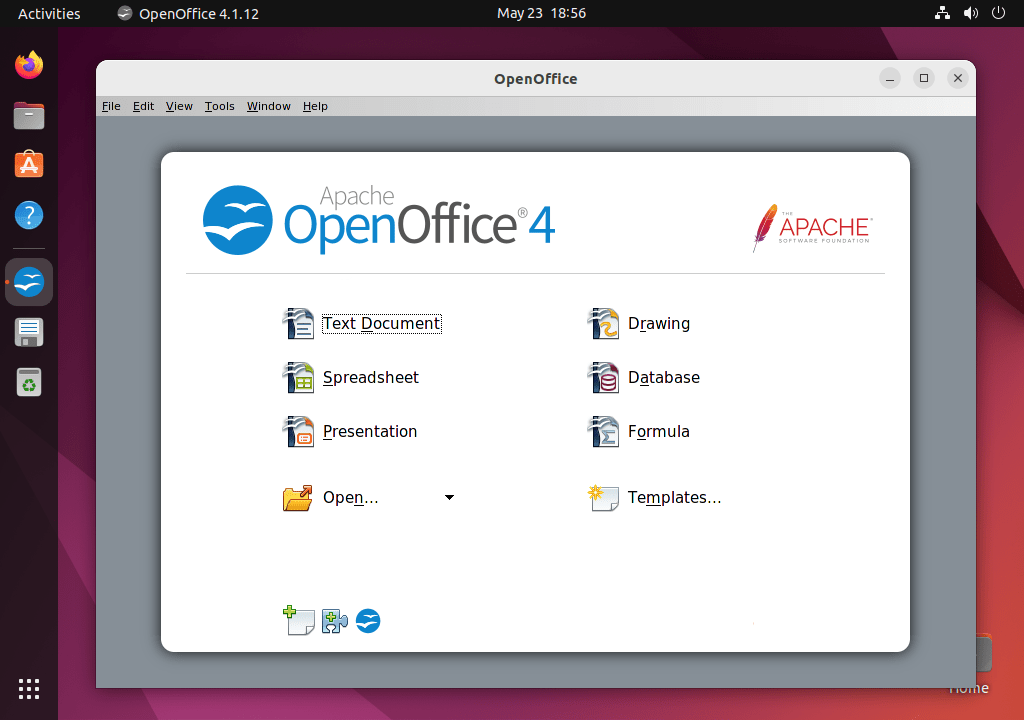
Step 4: Using OpenOffice
Conclusion
This guide provided step-by-step instructions to install OpenOffice on Ubuntu 22.04. By following these steps, you can easily set up OpenOffice and start using its powerful office tools.
How did it make you feel?