RStudio is a powerful integrated development environment (IDE) for R, a programming language used mainly for statistical computing and data analysis. Anyone working on data science projects or any other similar tasks that involve R, RStudio can make your work much easier. This guide will walk you through the process of installing RStudio on an Ubuntu system. I tried to keep steps simple and beginners friendly, so even if you are new to Ubuntu or R, you will be able to follow along without any issues.
Step 1: Update Your System
Before installing anything, it’s a good idea to update your system to make sure all your packages are up to date. Open your terminal by pressing Ctrl + Alt + T and enter the following command:
sudo apt update && sudo apt upgrade -y
This command updates your package list and installs the latest versions of the packages installed on your system.
Step 2: Install R
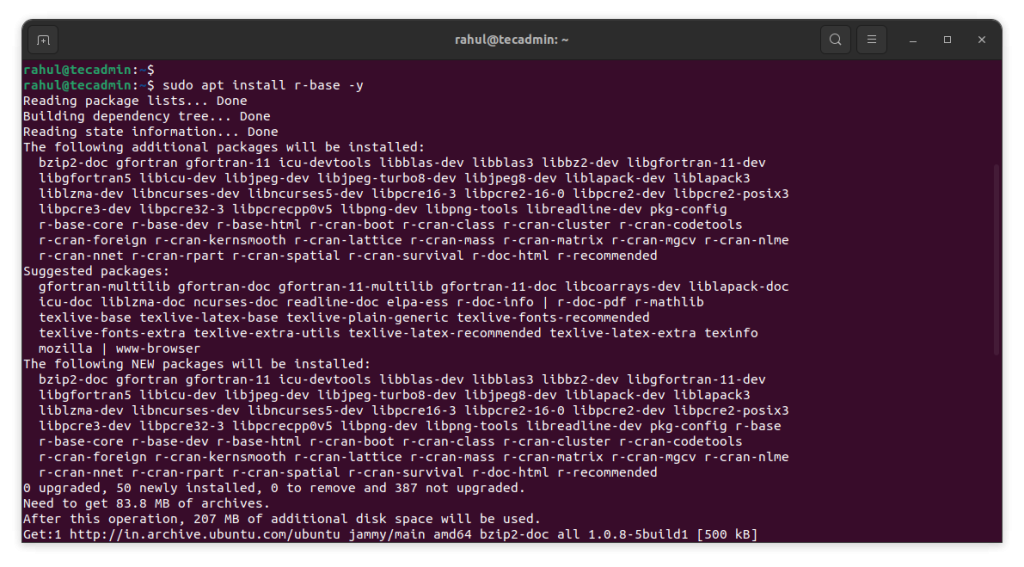
RStudio requires R to be installed on your system. You can install R by running the following commands:
sudo apt install r-base -y
This command installs the base R programming environment. Wait for the installation to complete.
Step 3: Download RStudio
Next, you need to download the RStudio package from the official website. You can do this directly through your browser, or you can use the terminal to download it.
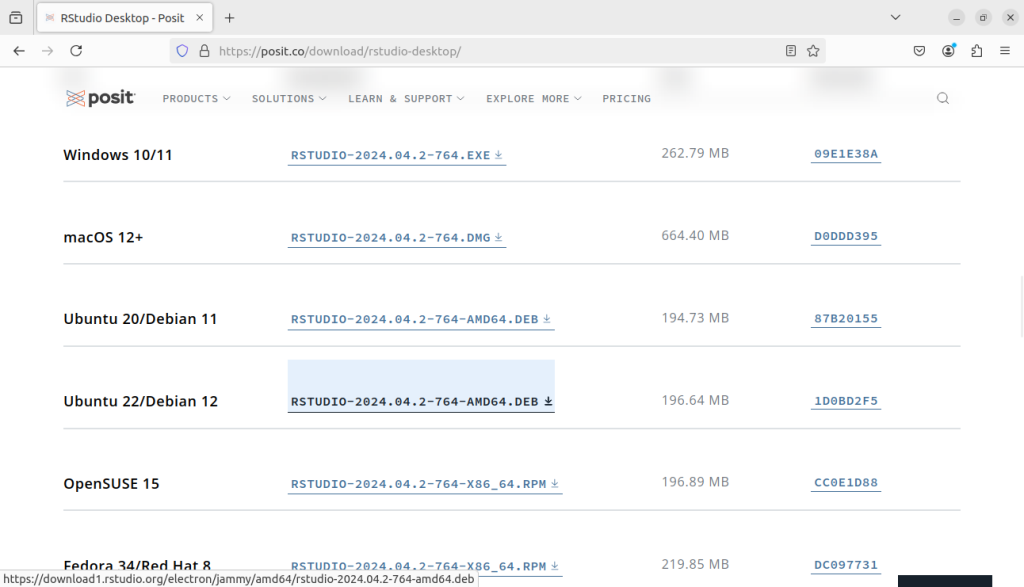
Use this command to download RStudio for Ubuntu 22.04 Jammy:
wget https://download1.rstudio.org/electron/jammy/amd64/rstudio-2024.04.2-764-amd64.deb
Ubuntu 20.04 Focal users use below command:
wget https://download1.rstudio.org/electron/focal/amd64/rstudio-2024.04.2-764-amd64.deb
Make sure to check the RStudio website for the latest version and update the link if necessary.
Step 4: Install RStudio
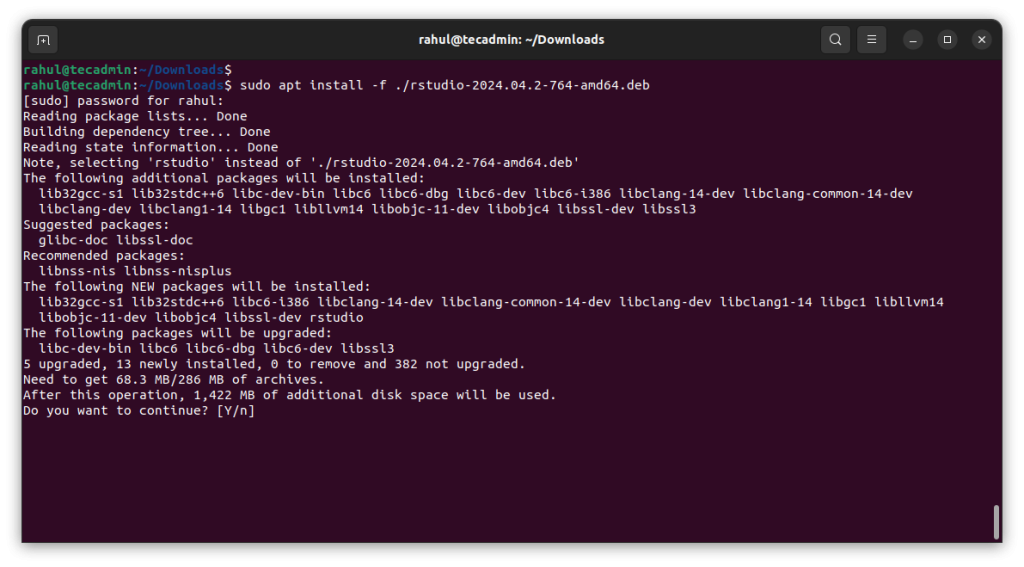
Now that you have the RStudio .deb package, you can install it using the following command:
sudo apt install ./rstudio-2024.04.2-764-amd64.deb
This command will install RStudio on your system. The installation may take a few minutes, depending on your system’s performance.
Step 5: Launch RStudio
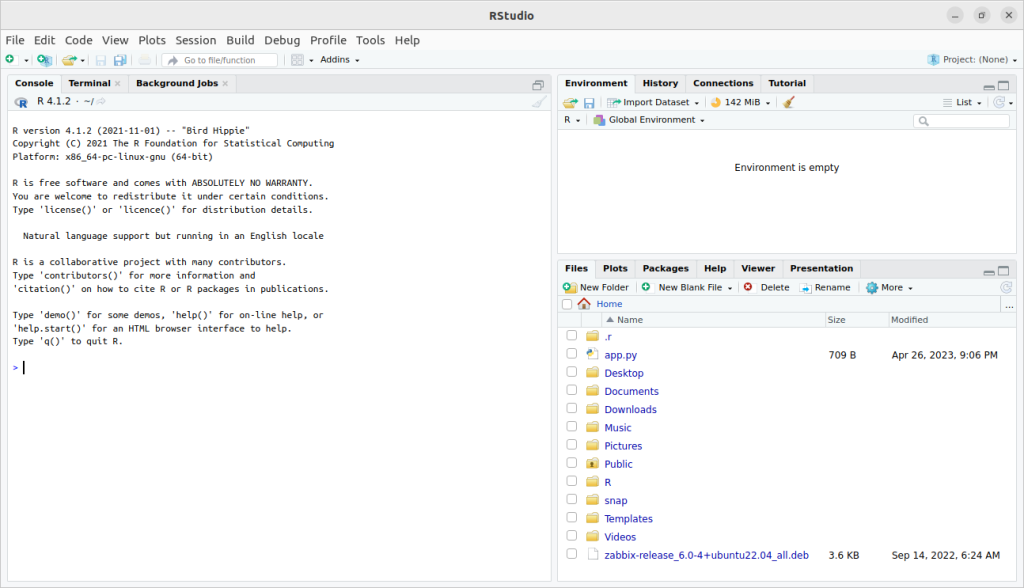
Once the installation is complete, you can start RStudio by searching for it in your applications menu or by running the following command in the terminal:
rstudio
RStudio will open, and you are ready to start working with R on your Ubuntu system!
Conclusion
Installing RStudio on Ubuntu is a simple and straightforward process, even for beginners. By following these simple steps, you can set up a powerful environment for your data analysis tasks. Whether you are a data scientist, statistician, or just someone learning R, RStudio provides a user-friendly platform to help you achieve your goals. Now that RStudio is installed, you can dive into your data projects with ease!
How did it make you feel?