GIMP (GNU Image Manipulation Program) is a freely distributed software for manipulating images. We can easily optimize the image, convert their type using GIMP. It provides the power and flexibility to designers to transform images into truly unique creations. GIMP is the cross platforms application and available for Linux, Windows, MAC OS, and FreeBSD etc. This article will help you to install the latest Gimp on Debian 9 (Stretch) Linux system.
Step 1 – Install GIMP on Debian 9
You have multiple ways for the installation of Gimp on your Debian systems. The default package repository contains an older version of Gimp packages. So, I suggest installing Gimp suing snap package utility.
Before running the following command, make sure that you have installed Snap package manager on your Debian system.
sudo snap install gimp
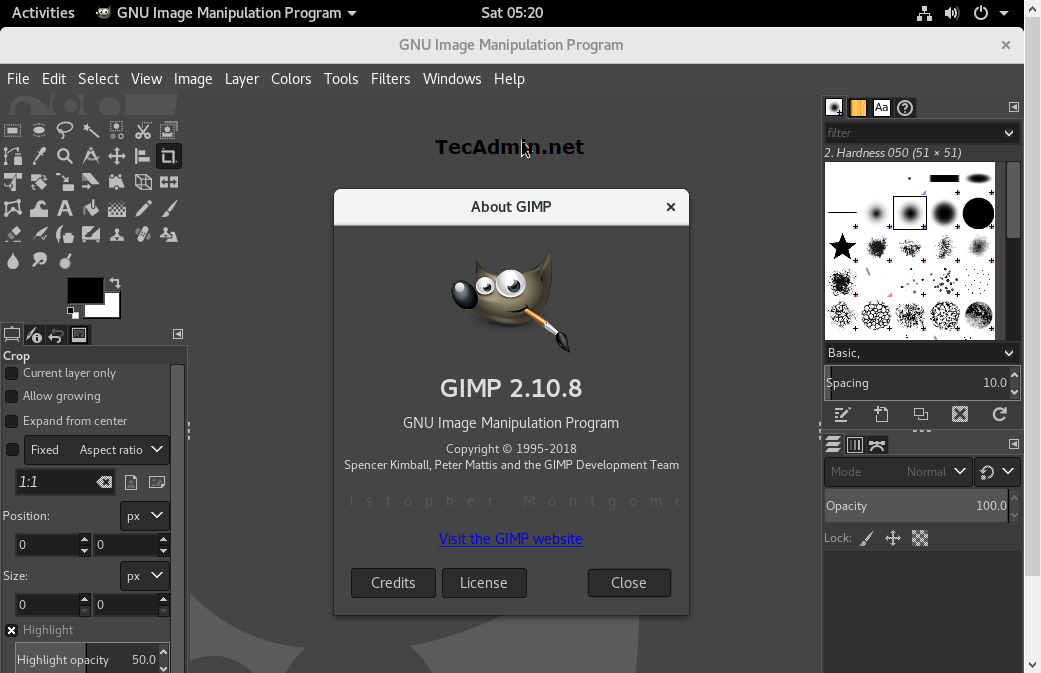
Step 2 – Launch GIMP Application
You can search Gimp using the GNOME search box and launch it. Alternatively, you can also launch gimp application using the command line as follows:
Step 3- Uninstall GIMP
If you no longer need of Gimp and want to remove from your system, Use the following command to remove all Gimp application and associated data from your system.
sudo snap remove gimp