

While writing a JavaScript program, I faced following error many times. If you are also getting the same error, This article will help you to fix this error.
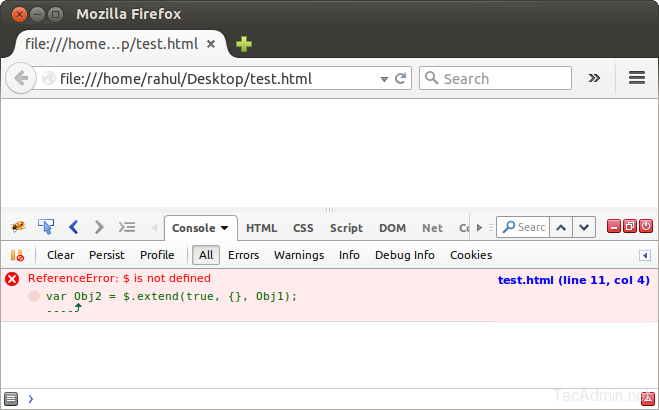
Solution 1 :-
Generally this error found when we forgot to include core jQuery JavaScript file. So make sure you have included jQuery JavaScript in your web page.
<script src=" http://code.jquery.com/jquery-1.11.3.min.js" ></script >
Solution 2 :-
If you already have included jQuery file in your webpage. Now check the sequence of adding JavaScript files in your webpage. Might be you have included some JavaScript files before core jQuery script file. So make sure that code jQuery file is included at top of other JavaScript files.
<script src=" http://code.jquery.com/jquery-1.11.3.min.js" ></script > <script src=" http://code.jquery.com/ui/1.11.4/jquery-ui.min.js" ></script >
How did it make you feel?
