Author: Rahul

I, Rahul Kumar am the founder and chief editor of TecAdmin.net. I am a Red Hat Certified Engineer (RHCE) and working as an IT professional since 2009..

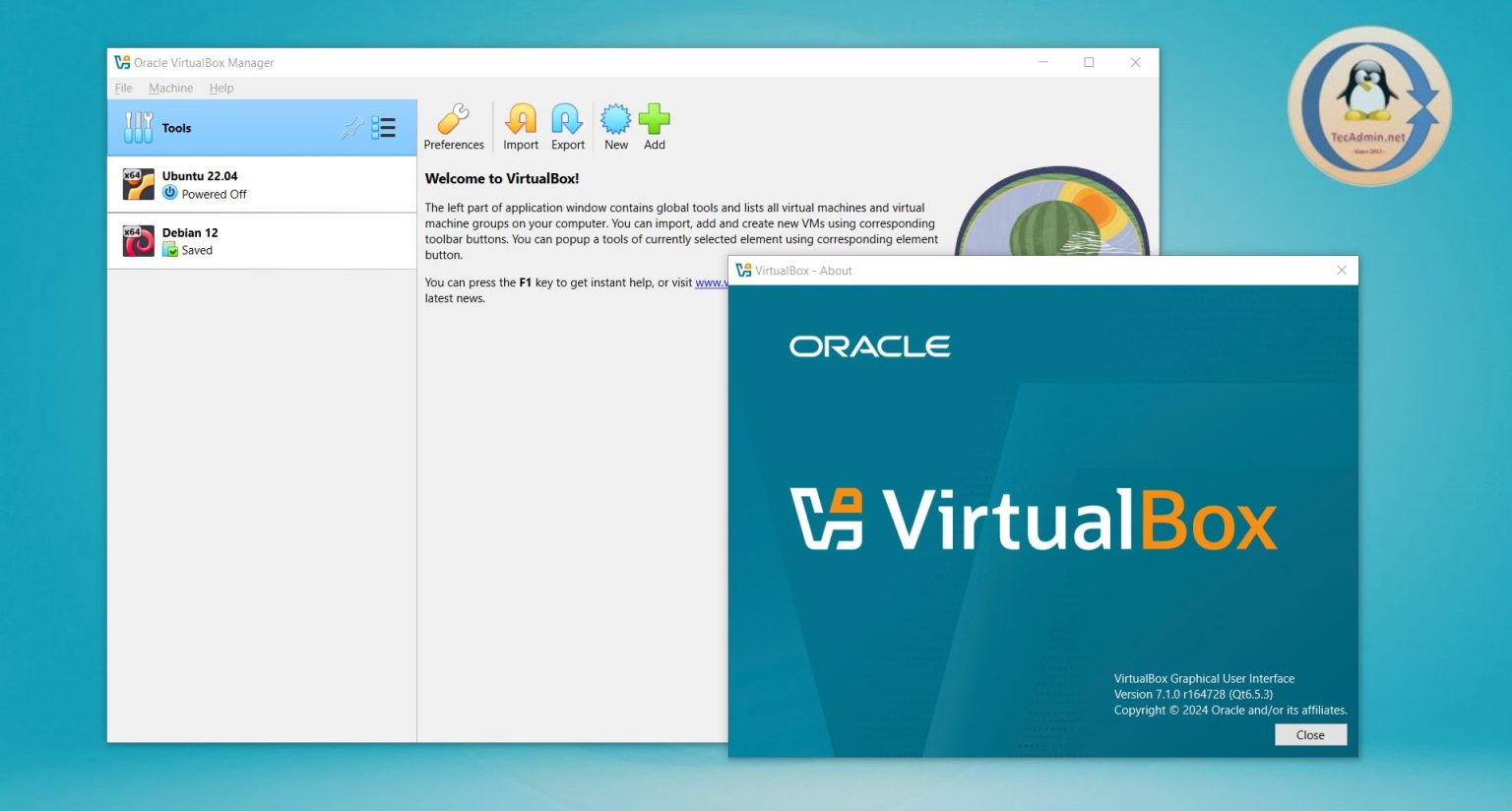
VirtualBox 7.1 stable version is available to download on Windows, Linux, macOS and Solaris systems. Virtualbox team has recently announce the release of its latest version 7.1 on Sep 09, 2024. The team has done lots of work on modernize the look and feel. This version also provides you option to choose between basic vs advanced level, where the basic level comes with lesser UI options. VirtualBox 7.1 now integrates the latest version of Qt 6.5, which significantly enhances both the accessibility features and the overall performance of the graphical user interface (GUI). This update aims to provide a smoother,…
Read More

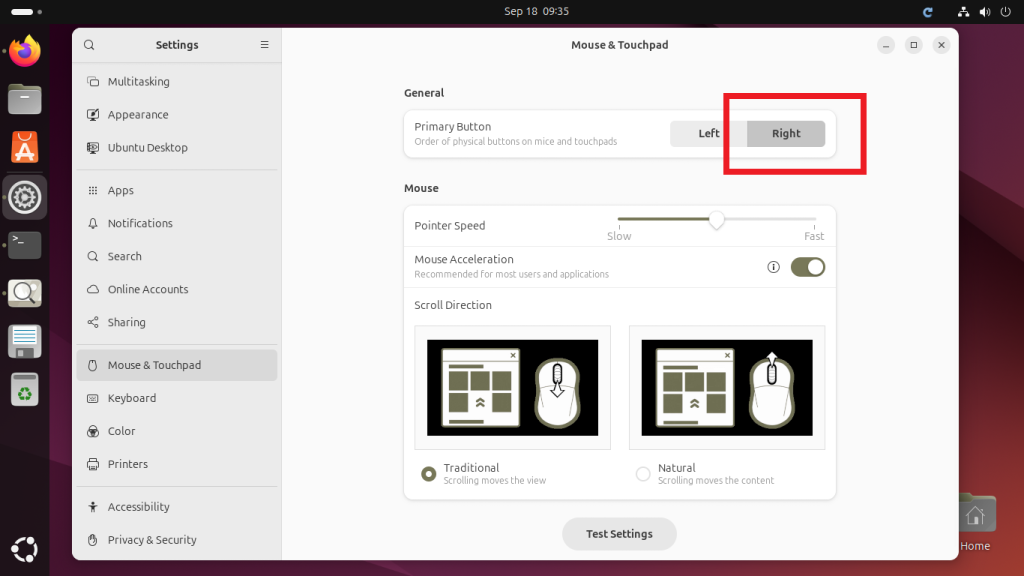
If you’re left-handed, using a regular mouse setup can be uncomfortable. Luckily, Ubuntu allows you to switch your mouse to left-handed mode easily. This means you can swap the functions of the left and right mouse buttons to make it more comfortable for left-handers. In this beginner-friendly guide, I’ll show you how to enable left-handed mouse mode in Ubuntu with just a few simple steps. Step 1: Open the Settings Click on the “Activities” button in the top-left corner of your screen or press the Super key (the key with the Windows logo or Ubuntu icon). Type Settings in the…

Read More

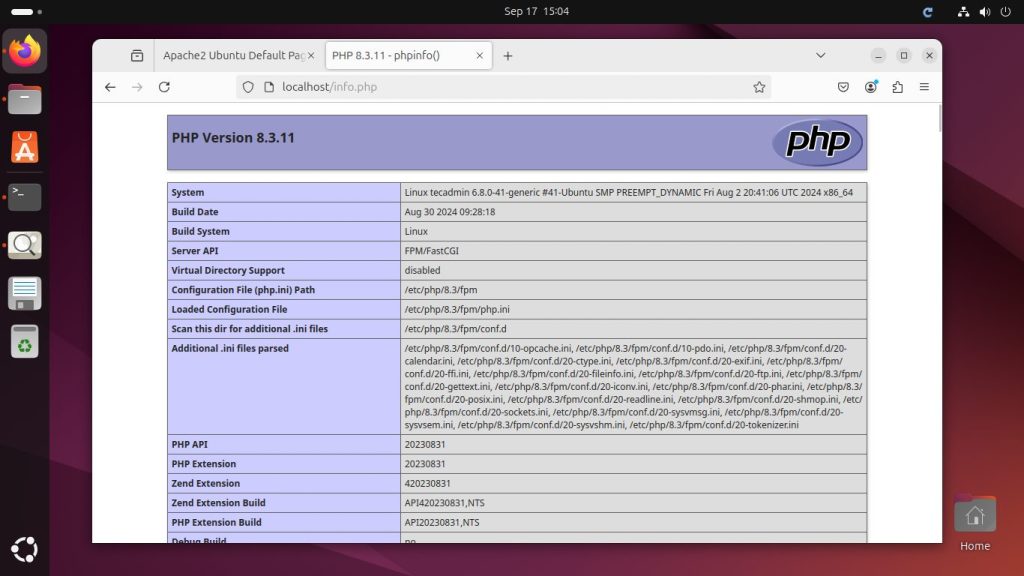
In this guide, we will walk you through the process of installing and configuring Apache, MySQL, and PHP-FPM on Ubuntu 24.04. This guide is written in simple English and designed for beginners. We will also cover how to secure your Apache server to ensure your system is safe. Step 1: Update Your System Before we begin, it’s always a good practice to update your system to ensure you have the latest software versions and security patches. Open your terminal. Run the following commands to update your package list: sudo apt update sudo apt upgrade Step 2: Install Apache Apache is…

Read More

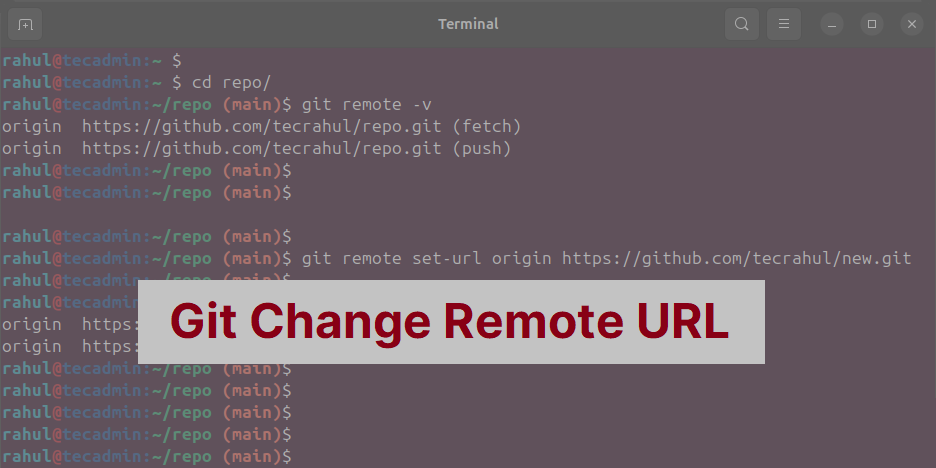
Git is a popular tool for software development versioning. It tracks code changes in application and help developers to work together. One important part of Git is the remote repository. This is where team members can share and update code. Sometimes, you need to change the address (URL) of the remote repository, and this guide will show you how. Quick Instructions Use the following command to change remote URL of local git repository. git remote set-url origin https://github.com/new-user/new-repo.git Detailed Instructions Step 1: Check Your Current Remote Repository Before making changes, you should check the current remote repository and its URL.…

Read More

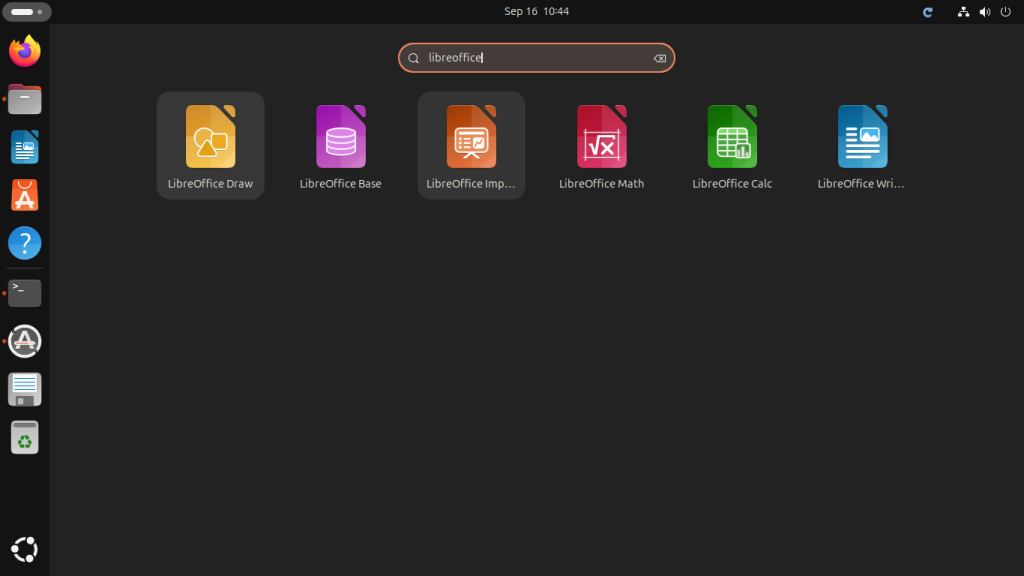
LibreOffice is a free and useful office program that works like Microsoft Word, Excel, and PowerPoint. If you are using Ubuntu, a popular Linux operating system, you can easily install LibreOffice to create and edit documents, spreadsheets, and presentations. This tutorial will help you with step-by-step instructions to install LibreOffice on Ubuntu. A PPA (Personal Package Archive) is available for Libreoffice, which often has newer versions than Ubuntu’s default software. This tutorial will use the same PPA for installing application and remove them if needed. Follow these simple instructions, and you’ll have LibreOffice ready to use in no time. Prerequisites…

Read More

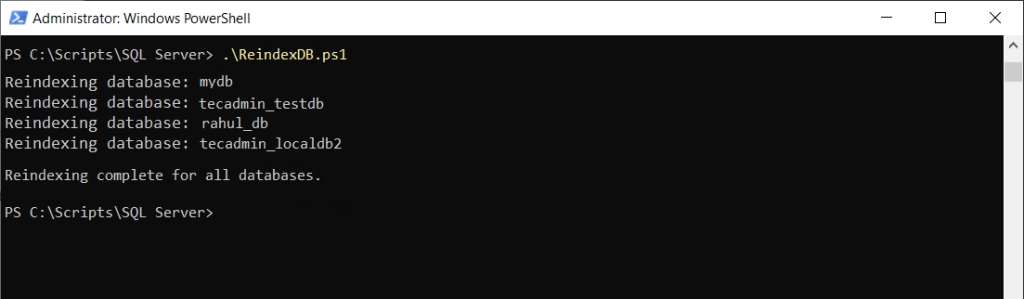
When your SQL Server database becomes slow, one reason might be that its indexes are fragmented. To improve performance, you can rebuild or reorganize these indexes. Reindexing helps the database run faster by organizing the data more efficiently. In this article, we’ll show you how to use a simple PowerShell script to reindex all databases in SQL Server. Why Reindexing is Important SQL Server uses indexes to quickly find data. Over time, these indexes become fragmented, which means that the data is scattered around, making searches slower. Reindexing helps by organizing the data, improving the speed of queries and other…

Read More

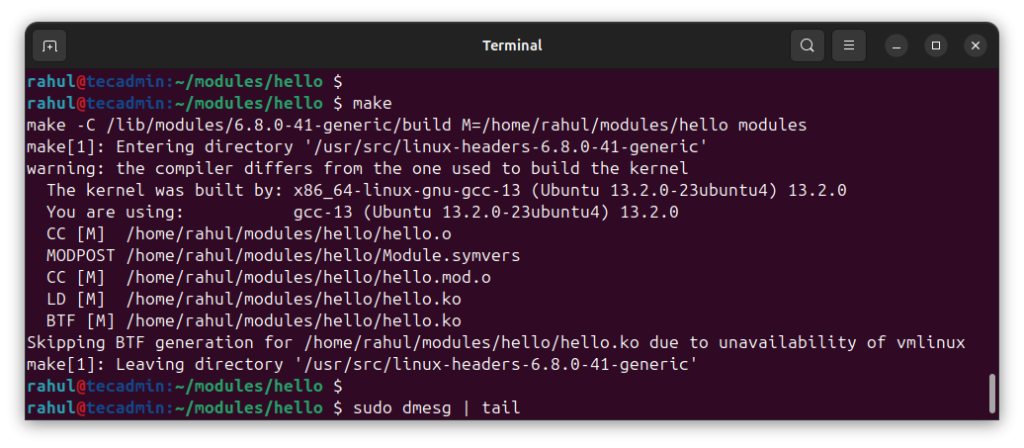
Creating a kernel module in Linux might sound complex, but it’s quite manageable if broken down step by step. A kernel module is simply a piece of code that can be loaded into the Linux kernel to extend its functionality. Instead of modifying the kernel itself, you can create modules that add or modify features like device drivers or file systems. In this guide, we’ll walk you through the entire process of creating, compiling, testing, and deleting a simple kernel module. Don’t worry if you are a beginner; we will explain everything in a clear and easy way! Prerequisites Before…

Read More

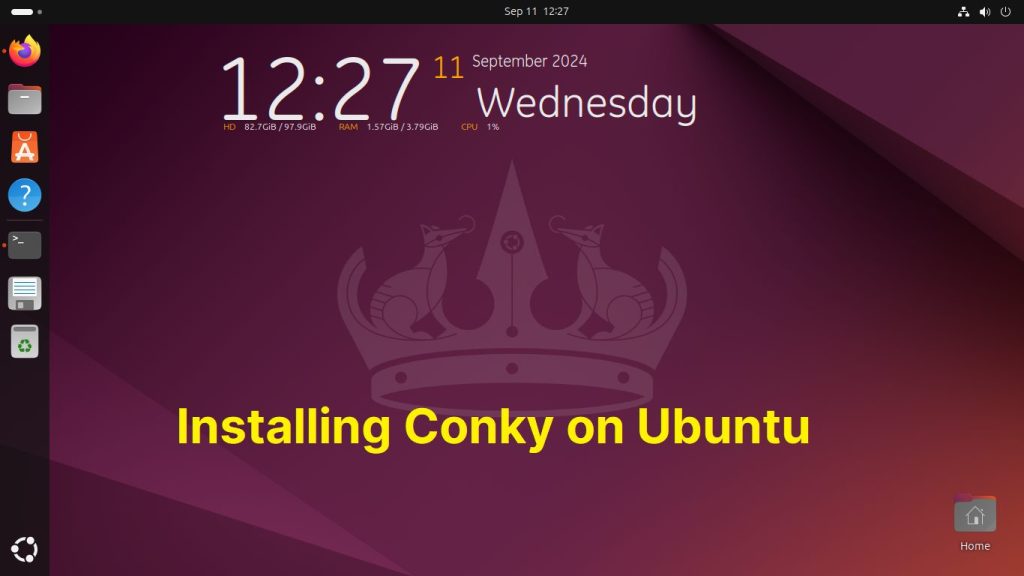
Conky is a lightweight system monitoring tool that shows various system information on your desktop. It can display things like CPU usage, memory usage, network activity, weather updates, and much more. The best part is that it’s highly customizable, so you can make it look exactly how you want. If you use Ubuntu and want to keep an eye on your system’s performance, Conky is a great tool to use. This guide will walk you through how to install Conky, use Conky Manager for easier customization, and install Lua scripting to make it even more powerful. Step 1: Install Conky…

Read More

TOTP (Time-based One-Time Password) is a popular method for two-factor authentication (2FA). It generates a time-based code that adds extra security when logging into websites or applications. The totp-cli is a simple command-line tool that helps you manage TOTP tokens on your Ubuntu machine. This guide is perfect for beginners who want to install, configure, and use totp-cli to secure their accounts. We will walk you through the process of installing totp-cli, adding and managing TOTP secrets, and even how to back up and restore your TOTP tokens. By the end of this article, you’ll have a good understanding of…

Read More

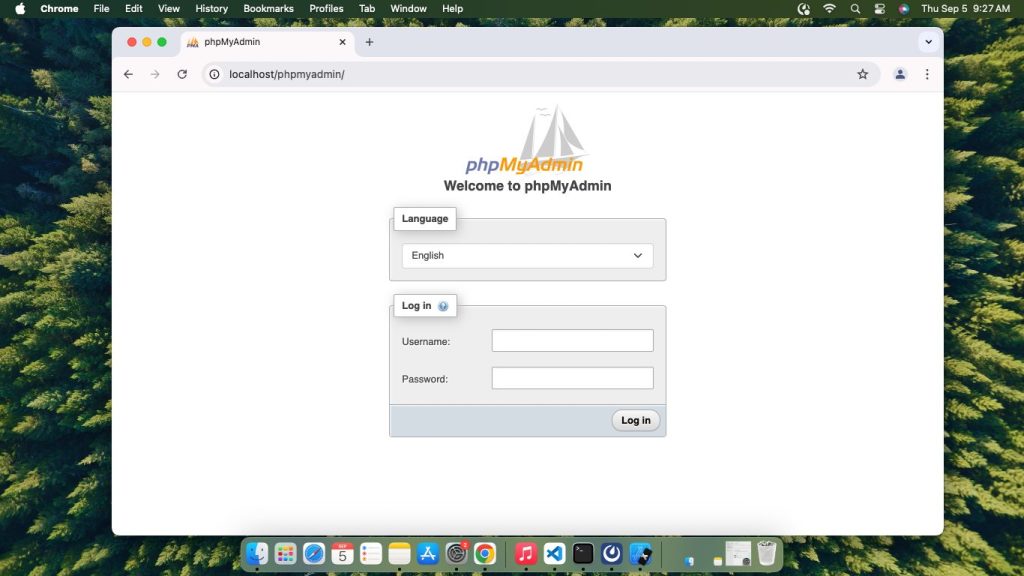
In this guide, we will learn how to install phpMyAdmin on your macOS. We will use Homebrew to install Apache (the web server) and PHP, and then we will download phpMyAdmin manually from the official source. Let’s go step by step. Step 1: Install Homebrew Homebrew is a package manager for macOS that makes it easy to install software. Open Terminal on your Mac. Run this command to install Homebrew: /bin/bash -c “$(curl -fsSL https://raw.githubusercontent.com/Homebrew/install/HEAD/install.sh)” After installation, run this to make sure Homebrew is set up correctly: brew –version Step 2: Install Apache Apache is the web server that will…

Read More